How to buy Stellar coin (Lumens XLM) with a credit card
What is Stellar?
The Stellar project is built to be a cheap, quick, and available network to cater to a global market. One of the other humanitarian goals for Stellar is to offer an alternative option for banking to low-income areas. Founder of Stellar Jed McCaleb has experience in the blockchain industry having founded Ripple.
How to create a Stellar wallet
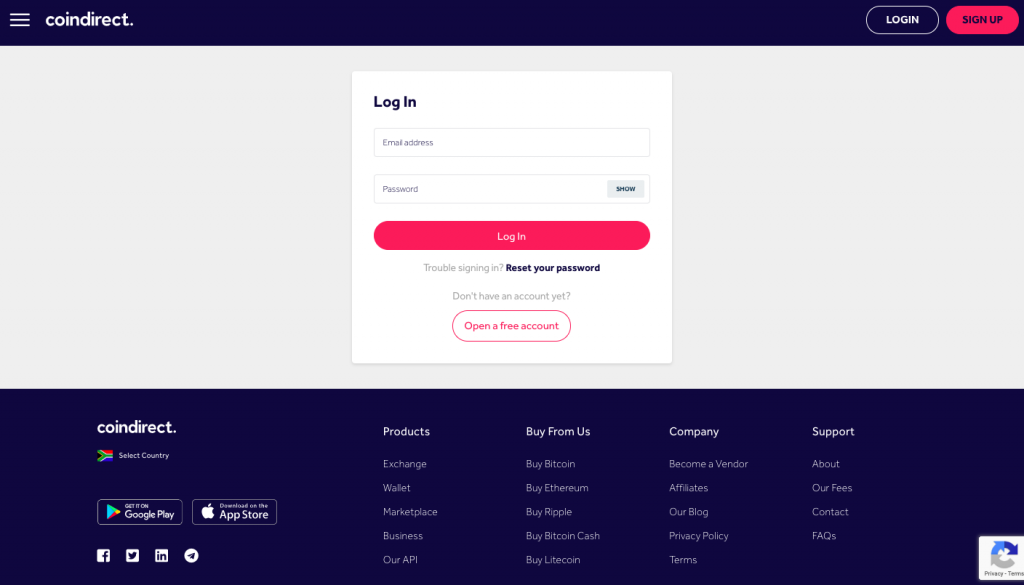
Sign up for a free Coindirect account and you will automatically get a free Stellar online wallet. You can use your Stellar wallet to buy, sell, store, send (withdraw) and receive (deposit) XLM.
How to create Stellar address?
Once you have signed up for a free Coindirect account all you need to do press the ‘Receive’ button to reveal your Coindirect Stellar wallet address.
How to buy Stellar with a credit card
- Sign up for a free Coindirect account.
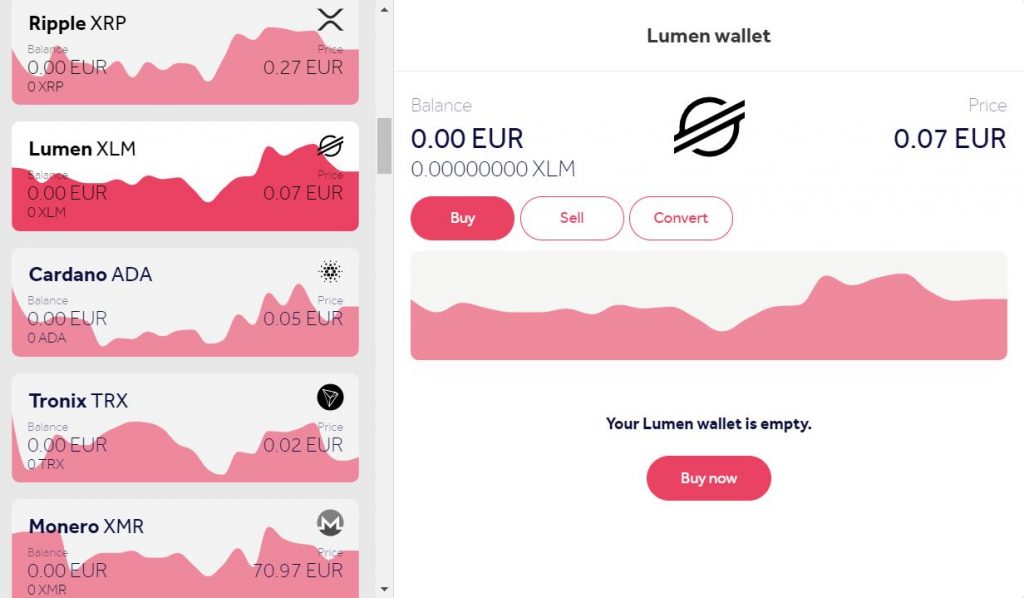
- Find your Stellar Wallet and click the ‘Buy’ button in your Stellar Wallet.
- Select “New VISA Card (EUR)” or “New credit card (NGN)” if you are in Nigeria.
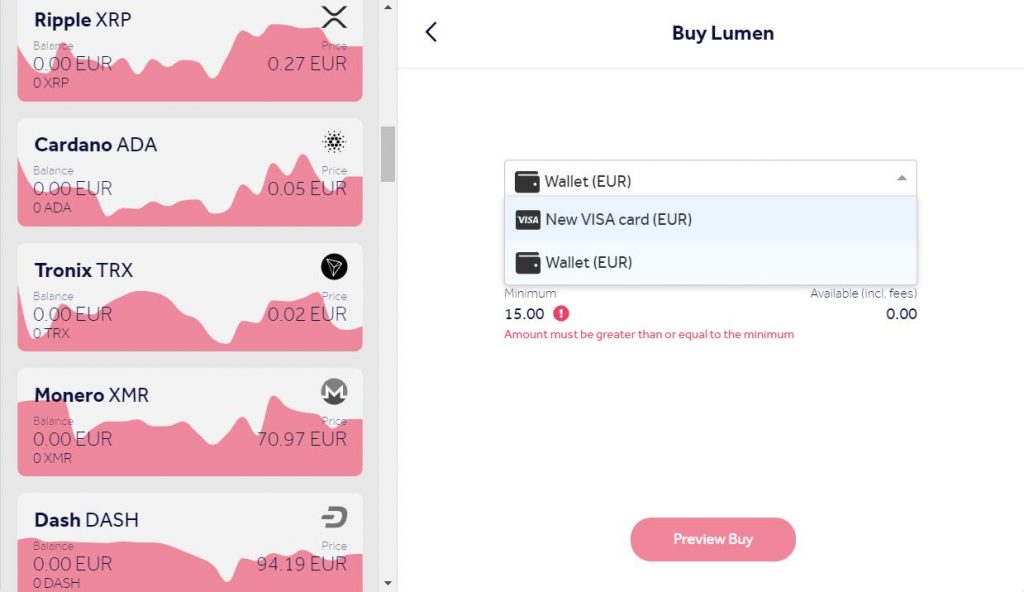
- Enter EUR value of Stellar you want to purchase (more than the minimum limit) or the Stellar amount you want to buy and then click ‘Preview Buy’.
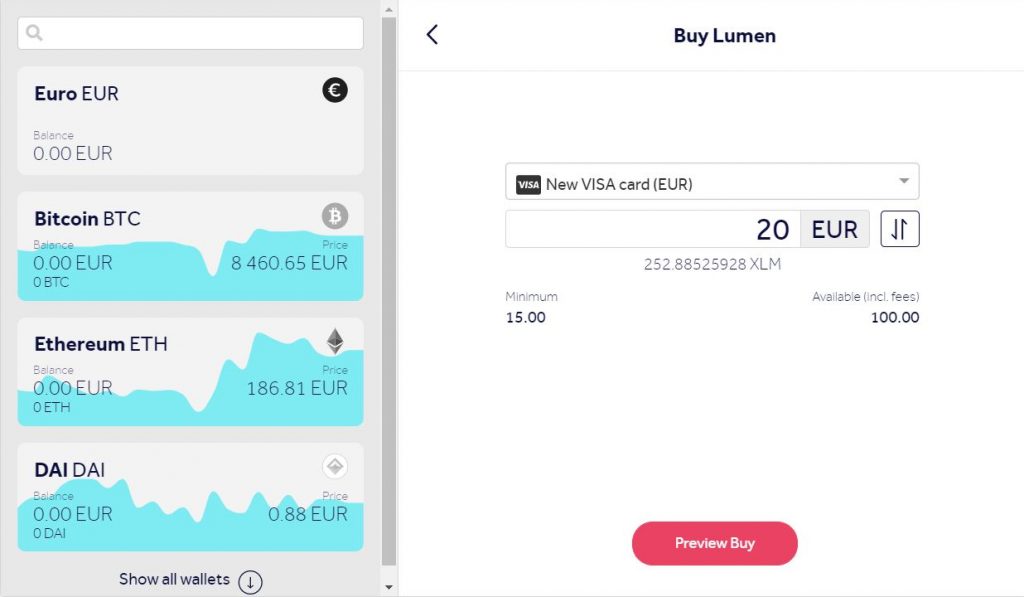
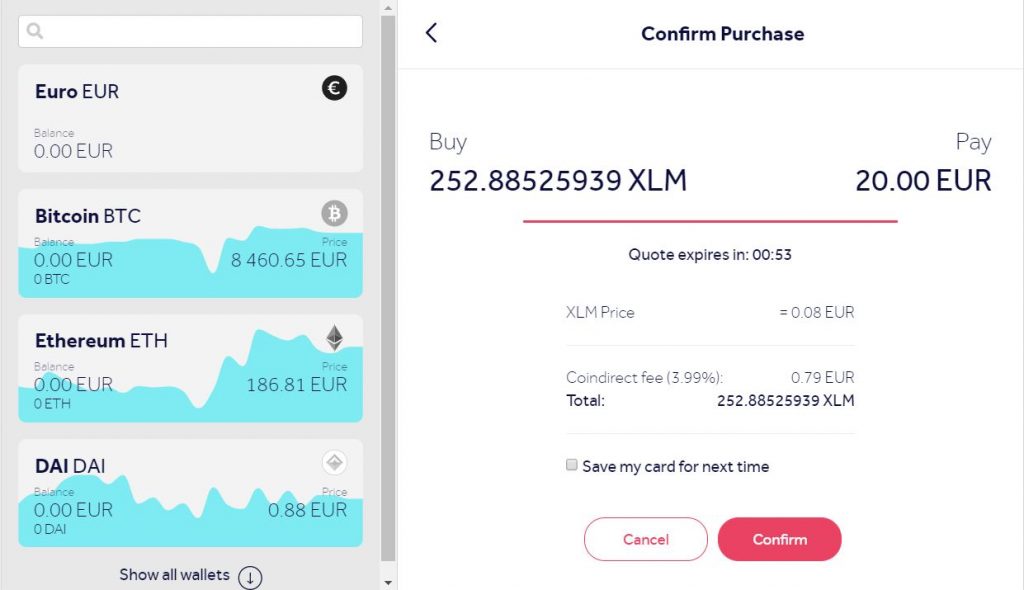
- You will receive a quote, press ‘confirm’ before the timer runs out (counts down from 55 seconds).
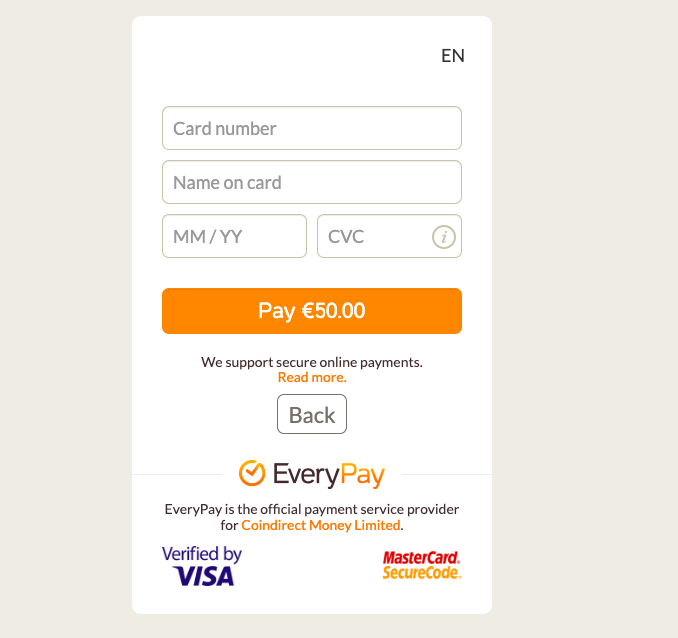
- Type in your credit card details and pay.
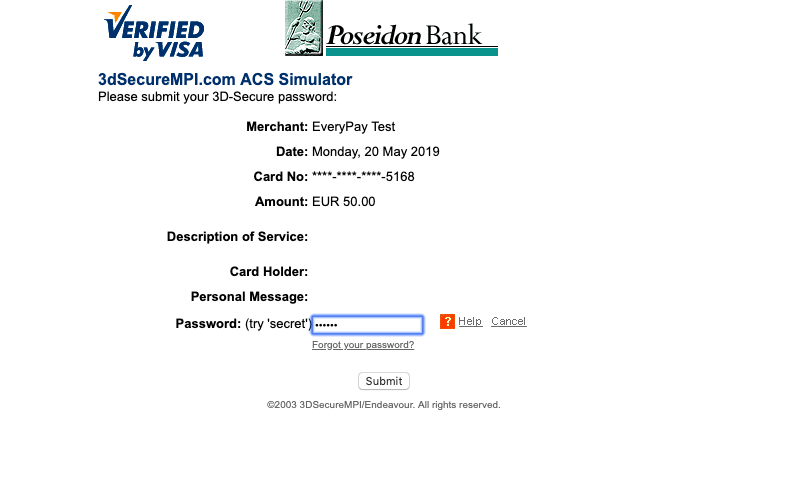
- You will be taken to a page to verify your transaction.
- Finally, you will be redirected back to your Coindirect Wallet once the payment is successful.
How do I purchase Stellar from my bank account?
If you are in South Africa or in Europe in a SEPA country you can deposit ZAR and EUR into your Coindirect ZAR Wallet or Euro Wallet respectively.
To fund your account you have to transfer money using bank transfers. To get the funding instructions so that your account is credited
- Go to your ZAR/EUR wallet and click the “Fund now” button. Alternatively, click the Fund tab in your Coindirect wallet and click on “Transfer Now”.
- Select the bank to transfer to from the drop-down menu to get payment details and the reference you should use (highlighted in blue).
- Transfer the money from your bank account into the account shown on the screen then wait for the bank transfer to be processed (0-3 business days depending on the bank).
- Once the funds reflect in your ZAR wallet, go to your Stellar wallet and click “Buy” and select “Wallet (ZAR)” or “Wallet (EUR)” as you payment method.
Where can I sell my Stellar?
You can sell Stellar from your Coindirect wallet by clicking the ‘Sell’ button in your Stellar wallet.
If you are in a SEPA region or South Africa. You can sell your Stellar and instantly get money transferred to your Wallet (ZAR or EUR).
If you are in another region with no local currency wallet. You can sell your Stellar by creating a sell offer on the marketplace.
You now know how to buy Stellar instantly from almost anywhere in the world. Make sure to download the Coindirect App to trade Stellar from the palm of your hands.
Credit card limits
Please note that Coindirect has limits for credit card purchases in place.
Make sure that your account is verified so that your credit card purchase limits are increased.
Currently, the limits for credit card purchases are:
Unverified users – €175 – €500
Verified users – €890 – €1000
Earn Ripple
If you are interested in introducing your friends to a way to buy Stellar with their credit cards, make sure you share a link through the Earn programme. If they sign up to Coindirect, both you and the friend will receive 5 XRP for free when they perform their first transaction.
Disclaimer
The content on this page is for informational purposes only and does not constitute financial, investment, or legal advice. Cryptocurrency investments carry risk, including the possible loss of principal. Always do your own research and consult a qualified professional before making financial decisions.