What Is The Main Risk Associated With A Cryptocurrency Hot Wallet?
Cryptocurrency wallets play a crucial role in the digital finance ecosystem, allowing users to store, send, and receive cryptocurrencies....


- 2 min read
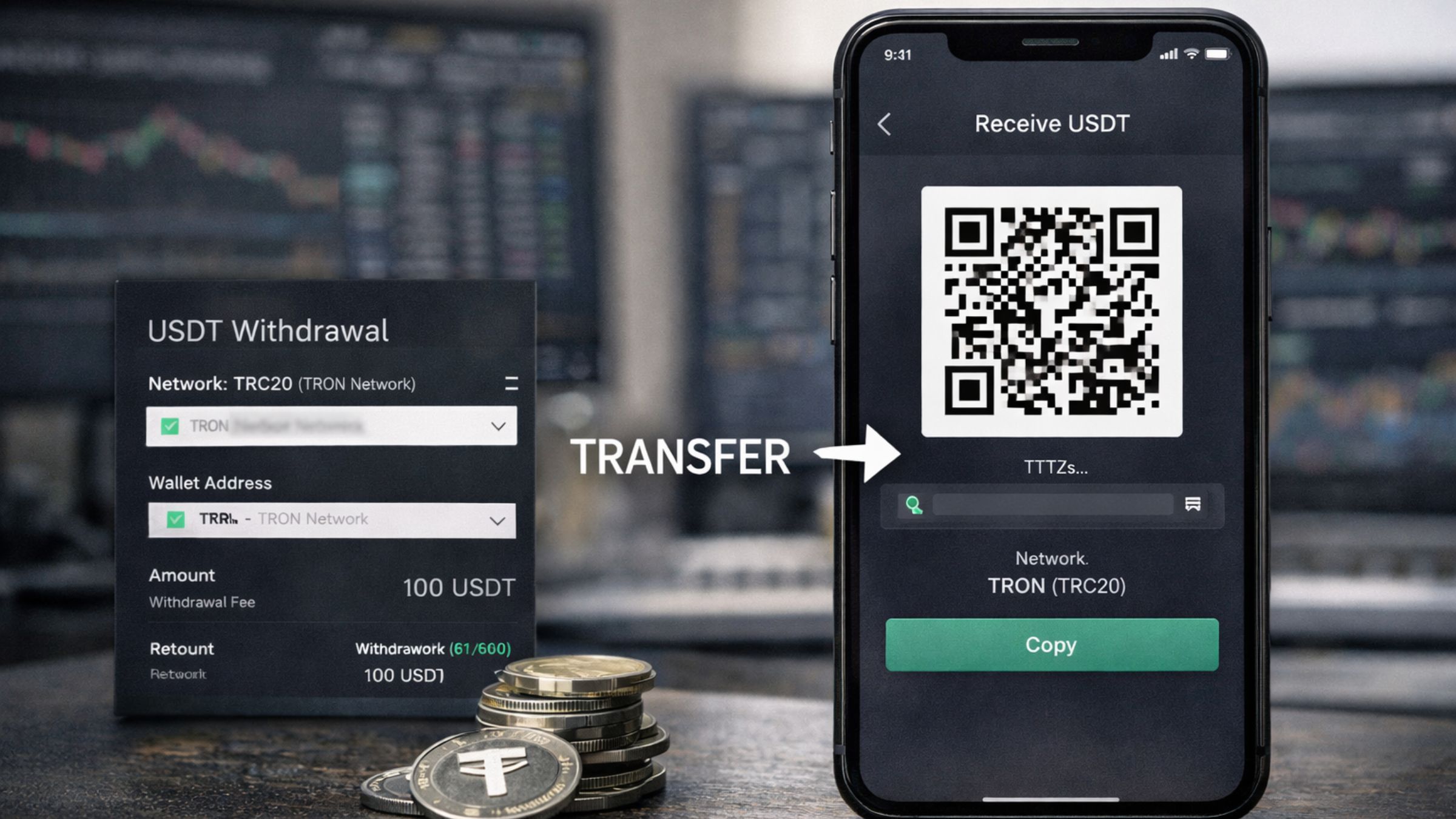
Moving USDT from an exchange to a wallet is a basic crypto task, but it is also one of the easiest places for new users to make mistakes. The biggest issue is choosing the wrong network, pasting the wrong address, or rushing through the withdrawal page without checking the transfer details. Here’s how to do it safely the first time.
Before sending, always check:
USDT is a stablecoin designed to track the US dollar, and Tether says its tokens are issued across multiple blockchains rather than living on one single chain. That is why “sending USDT” is not one identical action every time. A user might be sending ERC-20 USDT on Ethereum, TRC-20 USDT on Tron, or USDT on another supported network, depending on what their exchange and wallet both support.
That matters because the wallet address alone is not enough. The receiving wallet has to support the same network used on the exchange’s withdrawal page. Kraken says some assets, including USDT, are offered on multiple networks, while Coinbase warns that assets withdrawn to an unsupported network may be permanently lost.
Exchanges often show several network options when you withdraw, and Trezor notes that alternative networks are often presented as faster or cheaper. But Trezor also warns users not to simply choose the cheapest option, because selecting a network the receiving wallet does not support can result in permanent loss of funds.
You should not pick a network because it looks cheapest on the screen. You should pick the network your wallet supports for that specific USDT deposit. Kraken gives the same warning and says the withdrawal fee varies depending on the chosen network, with the fee shown on the withdrawal page.
Start in the wallet, not on the exchange. Go to the receive or deposit screen, select USDT, and check which network the wallet is asking you to use. This is the detail that should guide the rest of the transfer.
Tether says users need to confirm the correct transport protocol before sending, while exchanges like Kraken and Coinbase say the receiving wallet’s network must match the withdrawal network. If the receiving wallet or platform also shows a memo, tag, or extra deposit detail, that information must match too.
Copy the address directly from the wallet’s receive page. Do not type it manually, and do not copy an old address from transaction history without checking it again. Trezor specifically warns users not to copy addresses from transaction history because of address-poisoning scams, where attackers try to trick people into sending funds to a lookalike address.
On most major exchanges, the next step is straightforward: open Withdraw, choose the asset, and enter the external wallet address. Coinbase and Kraken both describe this flow in their help documentation.
After choosing USDT, select the same network shown in your wallet. This is the single most important step. Kraken says users should always select the same network their receiving wallet uses, and Coinbase warns that the wrong address or unsupported network may be permanently lost.
Before confirming, review the amount you want to send, the final amount the wallet will receive after fees, and any exchange minimums. Kraken says withdrawals must meet the platform’s minimum requirement and that fee calculation is shown for the network selected on the withdrawal page.
This is one of the best practical tips for beginners. Trezor says users should send a test transaction first to make sure the correct network has been selected, and Luno also recommends sending a small test amount before sending larger sums.
Most exchanges will ask for 2FA or another security check before the withdrawal is completed. Coinbase says users may need 2-step verification, while Kraken notes that funding 2FA may be required during the process.
After sending, check the transaction status in the exchange and then confirm that the USDT appears in the wallet. Kraken says users can track withdrawal status in their recent activity, and the transaction should only be treated as complete once the wallet reflects the incoming funds.
Tether’s current supported protocols page shows that USDT is active across a wide range of blockchains, including Ethereum-based ERC-20, Tron TRC-20, Solana, TON, Tezos, Liquid, Aptos, and BNB Smart Chain. Tether no longer issues or redeems tokens on some legacy networks, including Omni Layer, EOS, Algorand, Bitcoin Cash SLP, and Kusama.
A second useful point is that exchange support does not always equal universal wallet support. Kraken says USDT can be offered on multiple networks, but if a user deposits on the wrong network, the funds will not be credited.
Sending USDT from an exchange to a wallet is not hard, but it is detail-sensitive. The wallet address must be correct, the network must match on both sides, and a small test transfer is worth doing before a larger send. That is the difference between a routine transfer and a costly mistake.
Talik Evans is a financial writer and crypto researcher with a growing focus on digital assets, Bitcoin markets, and blockchain innovation. Since 2021, she has been exploring the world of cryptocurrency, writing about everything from exchange comparisons to regulatory updates and security practices.
Cryptocurrency wallets play a crucial role in the digital finance ecosystem, allowing users to store, send, and receive cryptocurrencies....
Bitcoin (BTC) and other cryptocurrencies have gone beyond their initial purpose as investments to become viable tools for everyday...
The crypto world is growing rapidly, bringing countless opportunities for innovation and investment. It does, though, also attract scammers...
Cryptocurrency has become one of the most talked-about financial innovations of the 21st century. From Bitcoin (BTC) to , the digital asset...